Menu Widget
Animated Hierarchical Sidebar
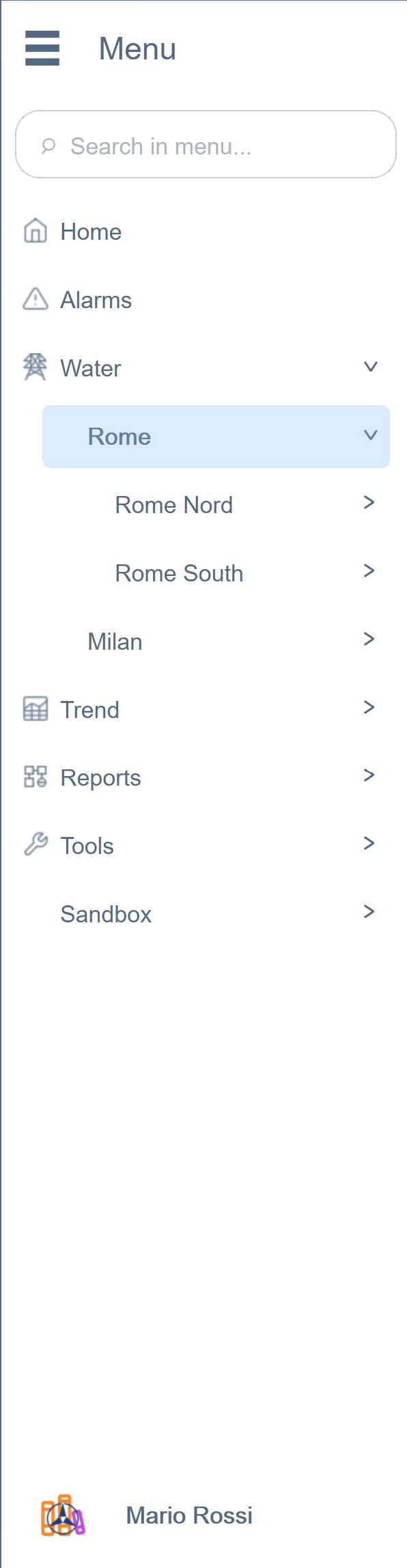
The Menu EWO is the primary navigation component of the application — a collapsible hierarchical sidebar with smooth animations, real-time badge propagation, search filtering, and a fully integrated user profile section.
Key Features
Animated Expand/Collapse
The menu transitions between expanded and collapsed states with coordinated parallel animations — width changes and opacity fades run simultaneously with independent easing curves, creating a fluid, professional feel.

Level-Based Styling
Each depth level of the tree can have its own font, size, weight, color, height, and indentation — all configurable via JSON. This means section headers look different from leaf items without any custom code per page.
Real-Time Badge Propagation
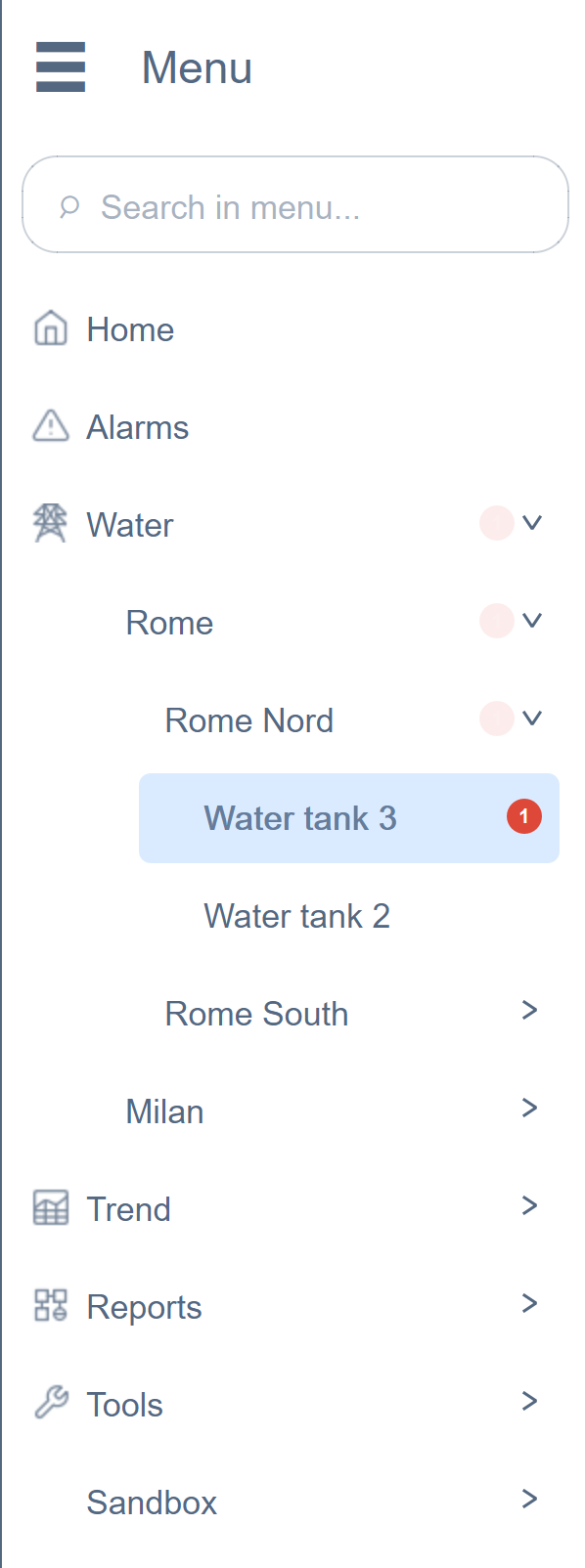
This is one of the most impactful features we built. When a child item has an alarm or a failed condition, a red badge with a counter appears — and it automatically propagates upward through the entire tree.
How It Works
A centralized Condition Manager (a dedicated background process) monitors all configured datapoints via a single set of connections. When a value fails its expected condition, the badge count increments on the leaf item and propagates bottom-up through every ancestor. All UI components — Menu, DropMenu, quick-function buttons — read from a single published result. No panel needs to manage its own monitoring.
Built-In Search
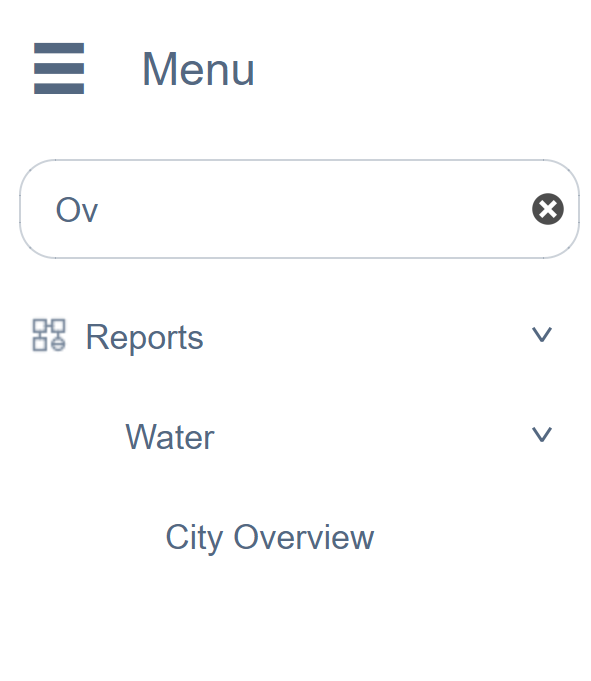
Type in the search bar and the tree filters in real time — matching items remain visible with their full ancestor path, non-matching items disappear. This works even on menus with hundreds of items.
Additional Capabilities
- 3-dots context menus per item for actions like rename, move, delete
- User profile section at the bottom with toggle switches and dropdown menu
- Dollar parameter passing — each item can carry
$DPvariables that are passed to the panel it opens, enabling reusable panel templates across hundreds of pages - 31 configurable properties — colors, fonts, sizes, animations, all customizable at design time