IoField Widget
The Swiss Army Knife of Dashboard Cells
The IoField is the most complex widget in the library (~3,000 lines of C++) — a multi-purpose dashboard cell that combines value display, embedded graphs, mathematical expressions, and in-place editing into a single, highly configurable component.
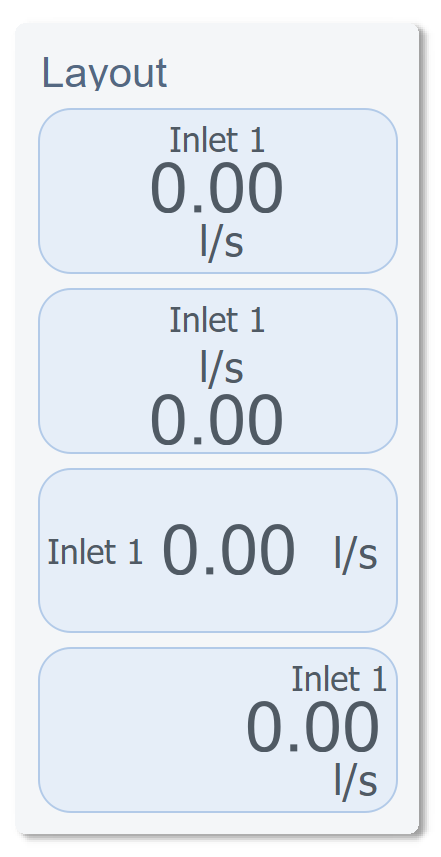
Layout Flexibility
Every IoField can be arranged in different orientations and element positions. The widget dynamically adjusts its internal layout based on configuration:
Visual Customization
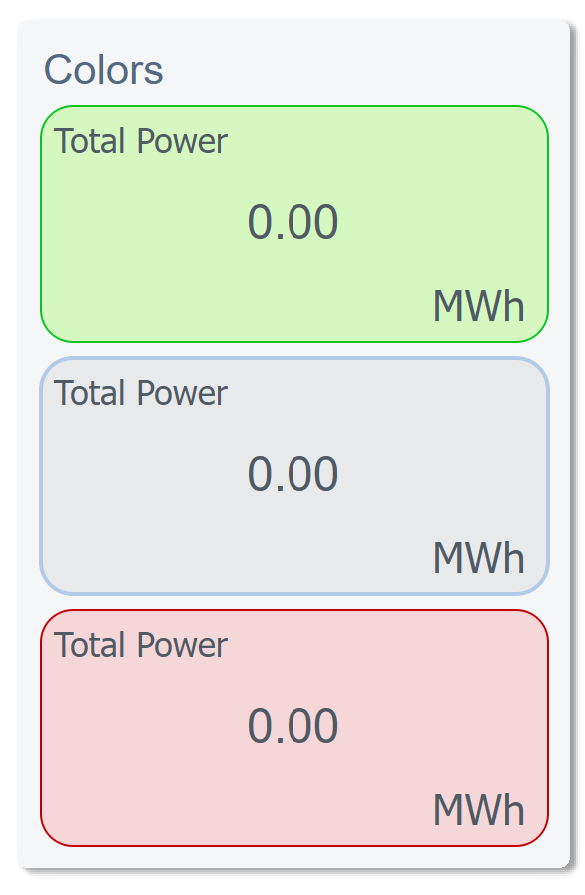
Colors & Gradients
Full color control over every element — label, value, unit, background — with gradient support:
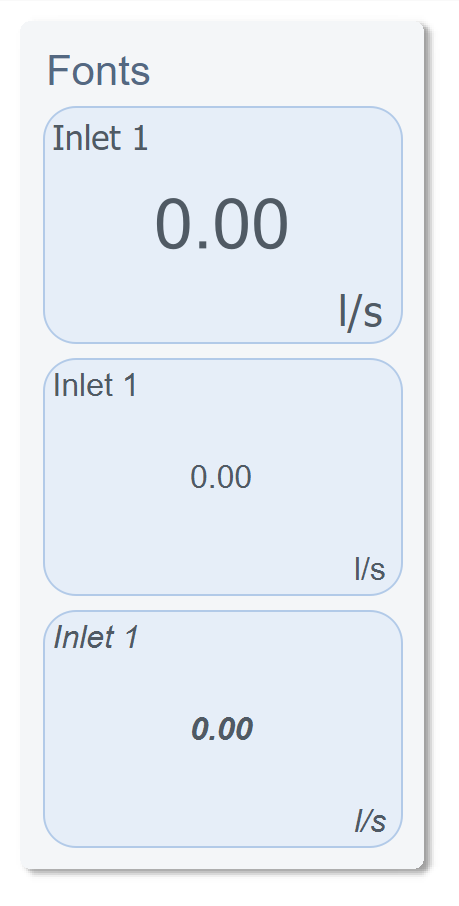
Fonts & Typography
Independent font control for label, value, and unit — with automatic scaling relative to widget size:
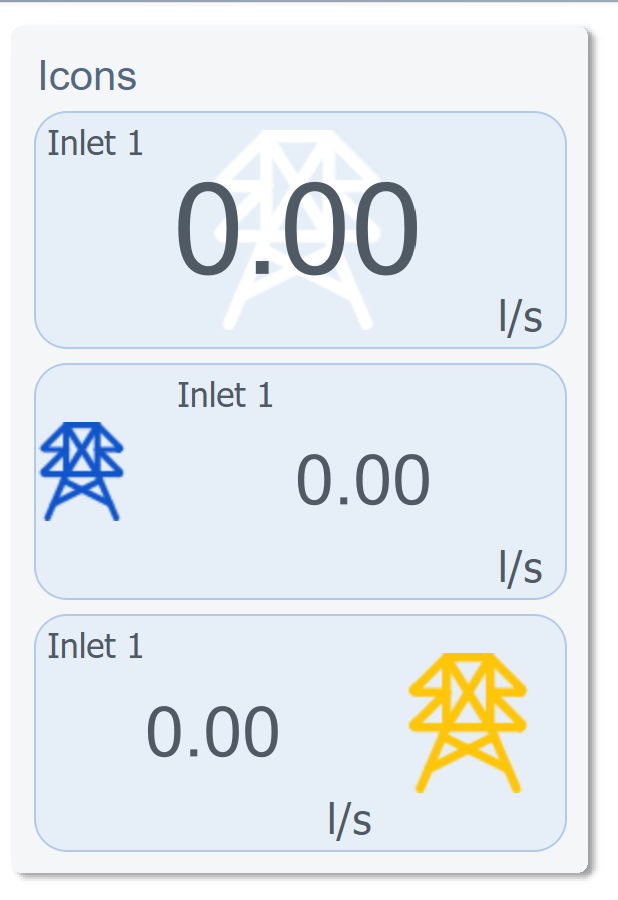
Icons
Optional icon display with SVG color override support — the same icon file renders in any color:
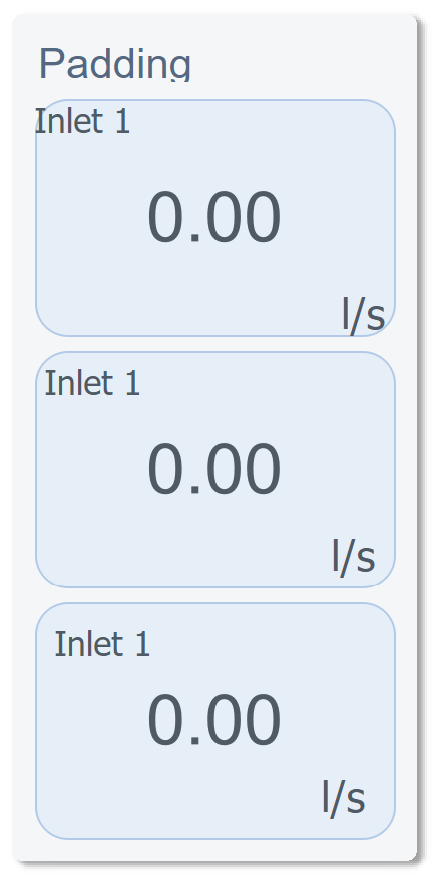
Padding & Spacing
Embedded Graphs
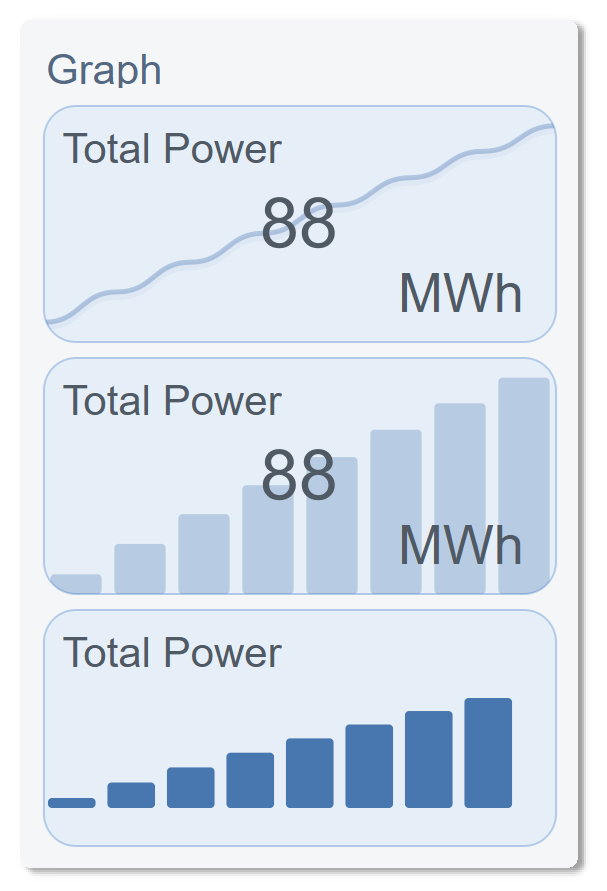
Each IoField can display a live graph in one of three styles — Line, Bar, or Area — with gradient fills, time-range filtering, and animated transitions:
Mathematical Expression Engine
We built a custom expression evaluator directly into the widget. It supports 5 live datapoint inputs (a through f) and common mathematical operations:
sqrt(a*a + b*b)        → Vector magnitude
(a + b + c) / 3        → Average of three sensors
abs(a - b)             → Deviation between two readings
sin(a * 3.14159 / 180) → Trigonometric conversion
This means computed values display directly in the UI without any backend logic — the IoField widget does the math internally, in real time.
In-Place Editing
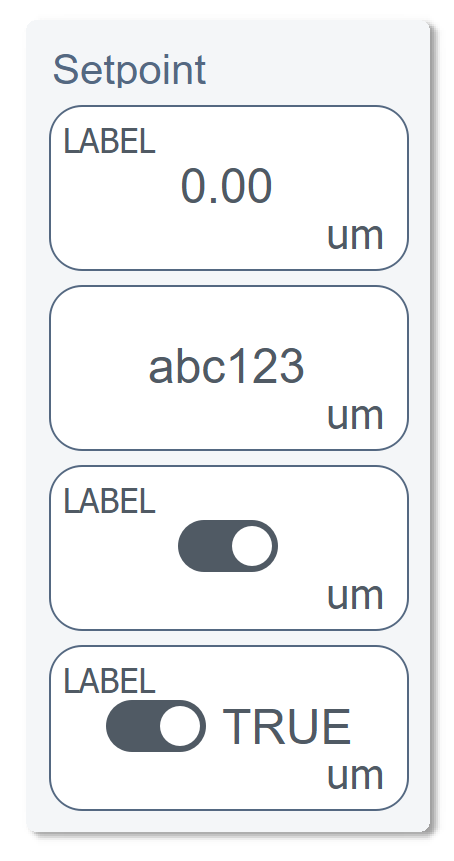
The value label itself becomes an edit field when clicked. We implemented 5 edit modes:
| Mode | Widget | Validation |
|---|---|---|
| String | Text input with unit suffix | Free text |
| Integer | Numeric input | QIntValidator(min, max) |
| Float | Numeric input | QDoubleValidator with precision |
| Boolean | Animated toggle switch | On/Off states with smooth transition |
| Custom | Dropdown selector | JSON-configured options list |
The toggle switch alone is a custom sub-component with QPropertyAnimation on the knob position and smooth color interpolation between on/off states.